



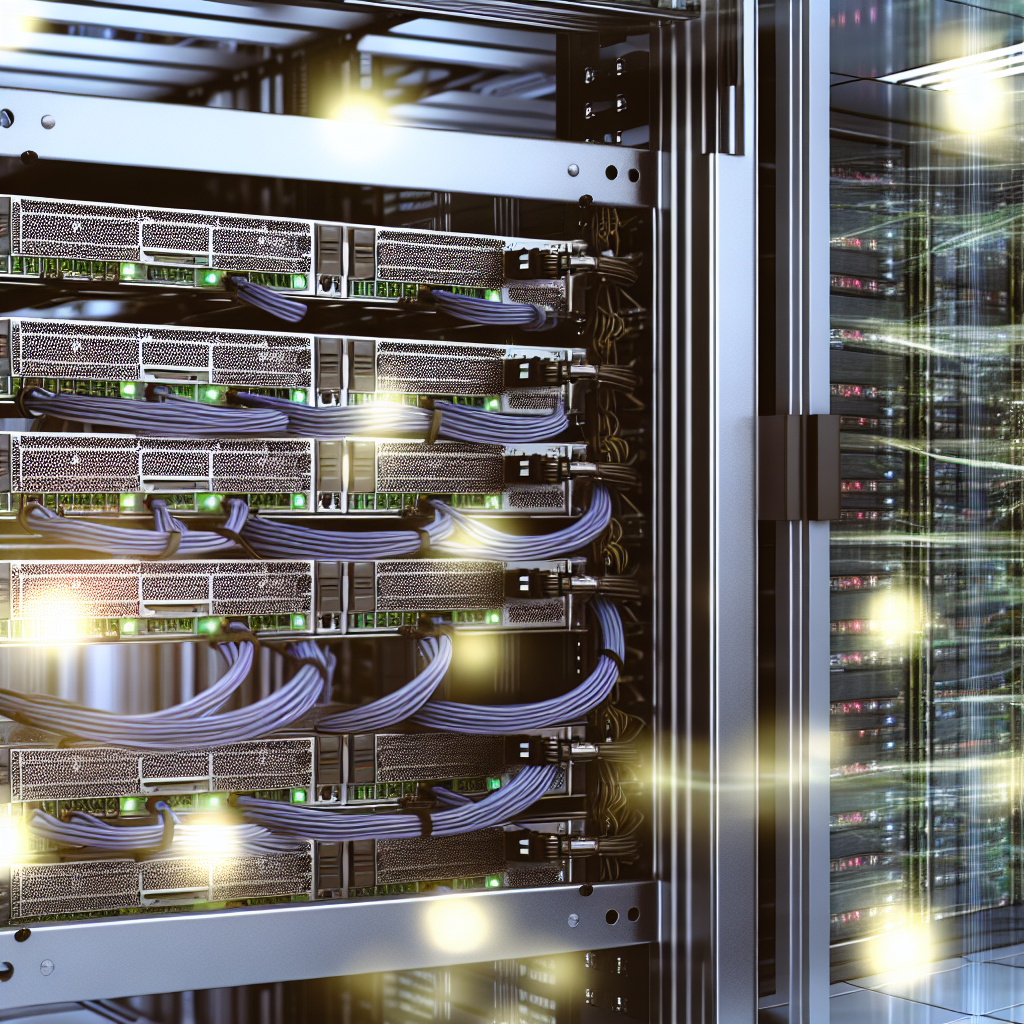
An In-Depth Guide to VPS Specifications for AI Workloads
As artificial intelligence (AI) continues redefining many industries, ensuring the right virtual infrastructure is crucial for efficient and effective AI deployment. A pivotal component in this ecosystem is the Virtual Private Server (VPS), which needs to be configured appropriately to handle various AI model types, from small to large, and meet fluctuating computational demands. In this comprehensive guide, we’ll dive into the technical requirements and considerations essential for choosing the right VPS for AI workloads, assess different models’ needs, and provide expert recommendations and optimization strategies for diverse use cases and budgets.
Understanding AI Assistant Resource Requirements
Before diving into specific configurations, it’s vital to understand the essential resources required by AI assistants. At their core, AI models like natural language processing and computer vision demand significant processing power, memory, storage, and bandwidth. These resources directly impact the model’s performance, scalability, and efficiency.
For AI workloads, computing power is often a balancing act between CPUs and GPUs. While CPUs excel at general computing tasks, GPUs shine when handling parallel processes, making them indispensable for training and inference in AI. Additionally, the RAM is crucial for storing intermediate data and executing tasks without delay, while storage holds both the trained models and the vast datasets on which they are based. Lastly, a high network bandwidth ensures that APIs can efficiently handle and transmit data, facilitating real-time interactions and data processing.
Choosing the Right Specs for Varied Model Sizes
Small AI Models (7B parameters): Small AI models like those with 7 billion parameters require a moderate balance of resources. A VPS with a decent multicore CPU, such as a quad-core processor with clock speeds around 3 GHz, would suffice for most tasks. While a high-end GPU isn’t mandatory for inference, including a GPU can accelerate training phases. At a minimum, 16 GB RAM and 500 GB of storage are recommended for efficient operations.
Medium AI Models (13B parameters): Medium-sized models often demand greater resources. Opt for a VPS with a more robust CPU (e.g., octa-core), alongside a mid-tier GPU capable of efficient parallel processing. Increasing the RAM to 32 GB ensures that the larger parameter model handles tasks smoothly. A storage size upwards of 1 TB is advisable to accommodate increased data and model sizes.
Large AI Models (30B+ parameters): At this scale, a VPS setup becomes significantly more resource-intensive. High-performance CPUs paired with advanced GPUs (e.g., NVIDIA’s A100 or similar) become essential. A minimum of 64 GB RAM is recommended, and larger deployments might even require expanding up to 128 GB. Storage needs can exceed 2 TB, driven by the extensive dataset and model requirements.
CPU vs GPU: Making the Right Choice
When configuring a VPS for AI workloads, understanding when to prioritize CPU power over GPU, or vice versa, can significantly impact the cost-efficiency and speed of your operations. CPUs are essential for the control logic required during inference, while GPUs are unparalleled in performing parallel computations necessary for training deep learning models quickly.
For workloads focusing primarily on AI inference, a balanced approach leaning slightly toward CPU might be adequate, especially if costs are a concern. However, GPU acceleration becomes critical for larger models where training is involved, as they can perform math-heavy calculations more efficiently.
RAM: The Unsung Hero of AI Infrastructure
RAM is often the gating factor behind smooth AI workload operations. Insufficient RAM can lead to slower performance due to increased swapping, where data gets temporarily stored on disks, leading to a noticeable drop in productivity. As AI models grow larger, having ample RAM becomes crucial to store temporary results during computation efficiently, leading to significant performance enhancements.
General advice suggests at least 1 GB of RAM for every 1 million parameters, although exact needs can vary depending on the specific workload and application requirements. Ensuring above-minimal RAM availability means less need for disk-swapping, thereby speeding up computations and improving model response times.
Storage and Bandwidth: Supporting the Massive Data Exchange
The success of an AI project heavily depends on efficient data handling. Large datasets require substantial storage capacity, and SSDs are preferable given their speed advantage over traditional HDDs. The capacity requirement can start at 512 GB for smaller models, scaling up to several terabytes for extensive deployments.
Network bandwidth cannot be overlooked, especially if your VPS frequently interacts with external AI API calls. An underpowered network can bottleneck performance, particularly during data-heavy operations. Ensuring you have a VPS with sufficient bandwidth will facilitate quicker data transfers and foster seamless interactions between your AI models and real-time applications.
Performance Benchmarking and Cost Optimization
Regular performance benchmarking helps identify bottlenecks within the VPS infrastructure. Running synthetic benchmarks, like those testing CPU/GPU capabilities and RAM throughput, allows you to better understand your setup’s strengths and shortcomings.
Cost optimization techniques are essential to ensure your VPS is not only effective but also cost-efficient. Consider opting for VPS providers that offer tiered GPU pricing or scale your resources dynamically based on actual usage. Employing a hybrid cloud approach, where frequently accessed processes remain on local servers while offloading peak demands to scalable cloud solutions, can be a strategic move.
Scaling and Future-Proofing Your AI Infrastructure
As AI workloads evolve, the initial setup might struggle to keep pace with increasing performance needs. Implement a scaling strategy by leveraging containerization and orchestration tools like Kubernetes, which allow seamless scaling across multiple nodes when workloads increase.
Future-proofing involves staying abreast of technological advancements, such as next-gen GPUs and novel storage technologies, and planning upgrades when performance limits are consistently reached. Regularly assess emerging solutions such as edge computing where workloads are distributed closer to data sources for lower latency and efficiency.
In conclusion, selecting the right VPS configuration for AI workloads requires a nuanced understanding of model sizes, resource requirements, and performance goals. By thoroughly benchmarking and optimizing resources, employing scalable strategies, and preparing for future technological advancements, you can ensure your AI deployments are both effective and resilient, ready to meet present and future challenges with confidence.